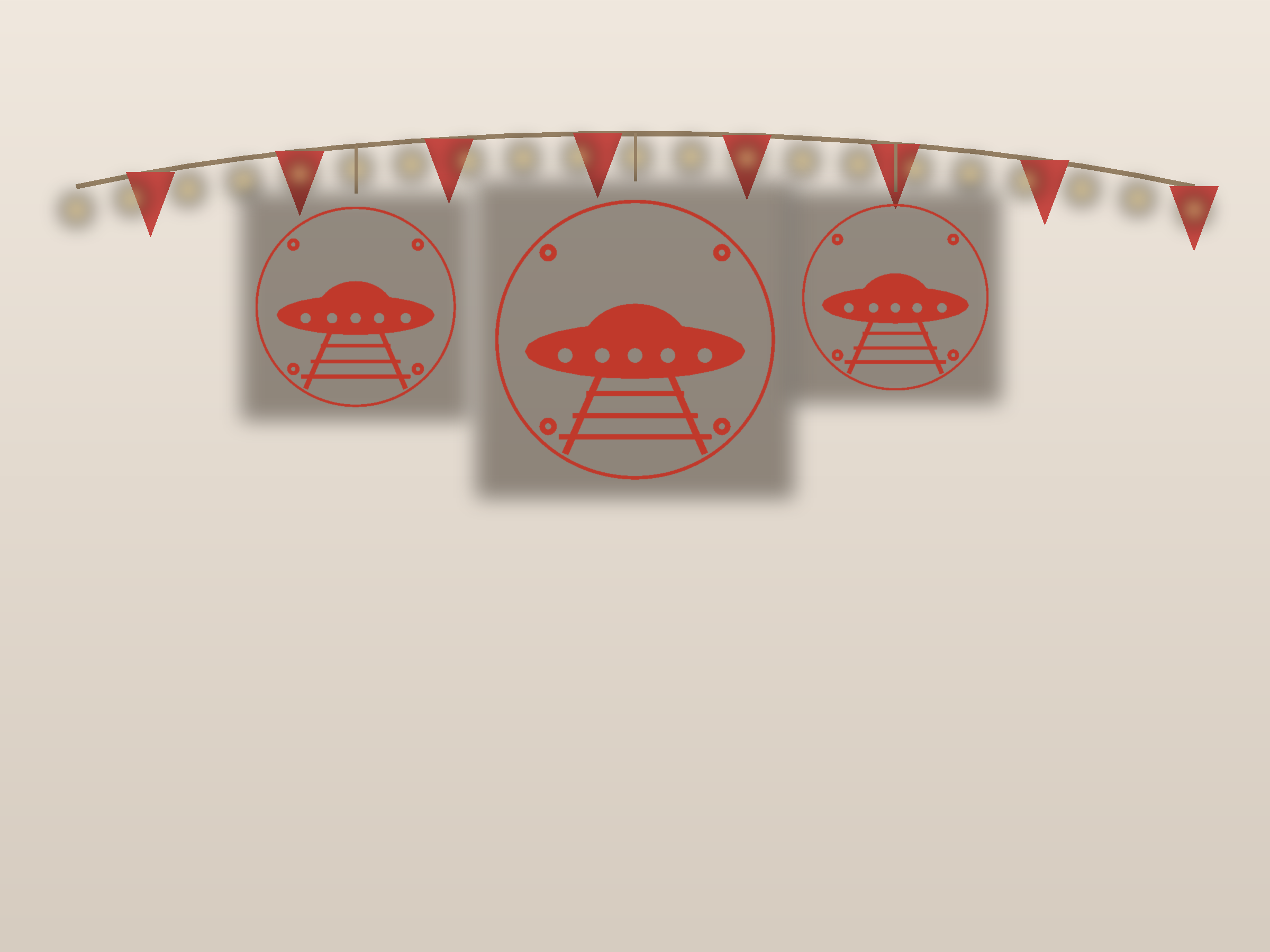
A UFO is the playful one – a disc with a dome that looks like it is hovering, not stuck to the glass. This ornate edition adds scrollwork and a heavier border, so it reads as a formal panel rather than a quick craft.
Free printable & cut-ready · design + line-art sheet · no sign-up
What’s Inside
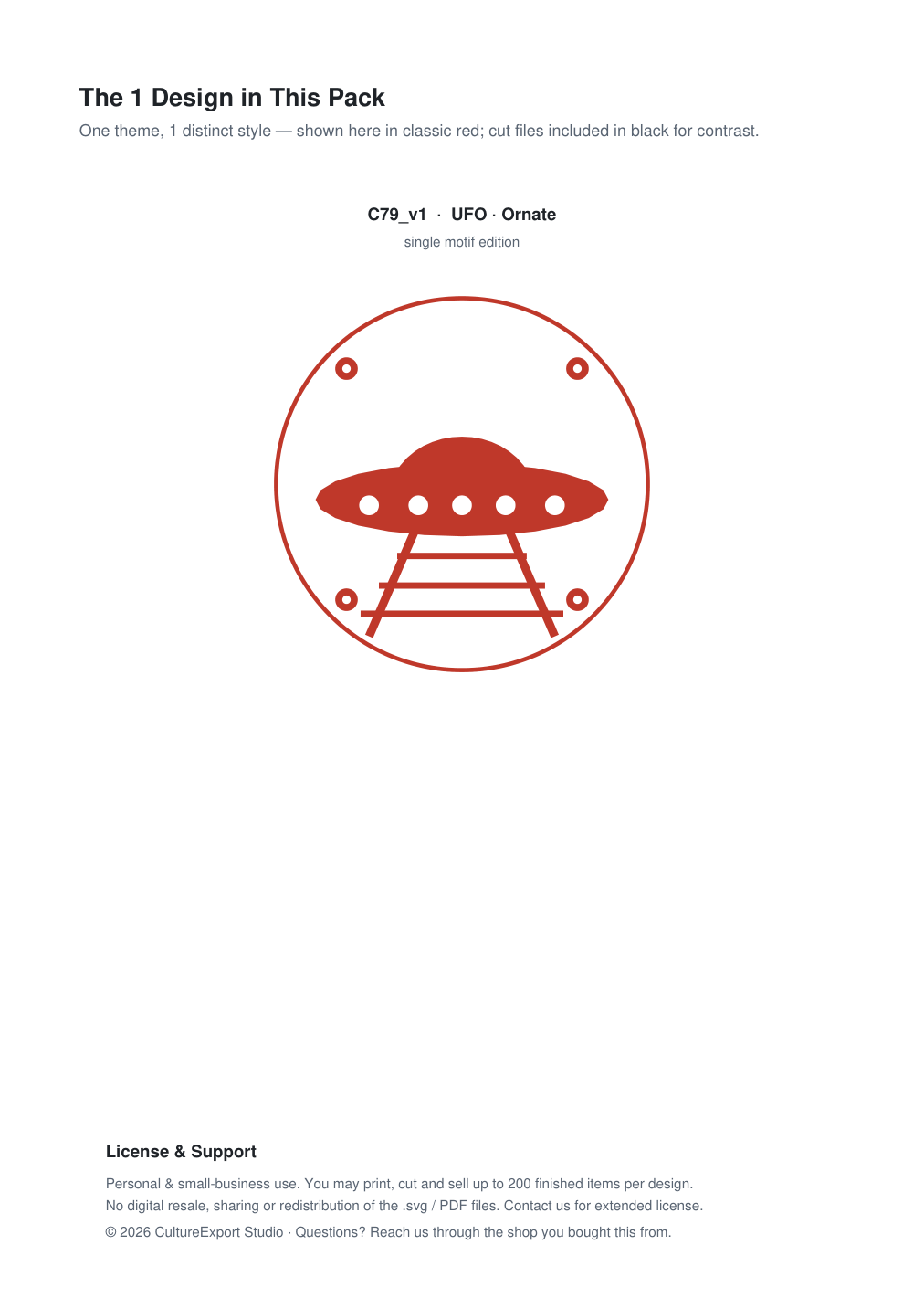
- UFO · Ornate — a single, bold motif
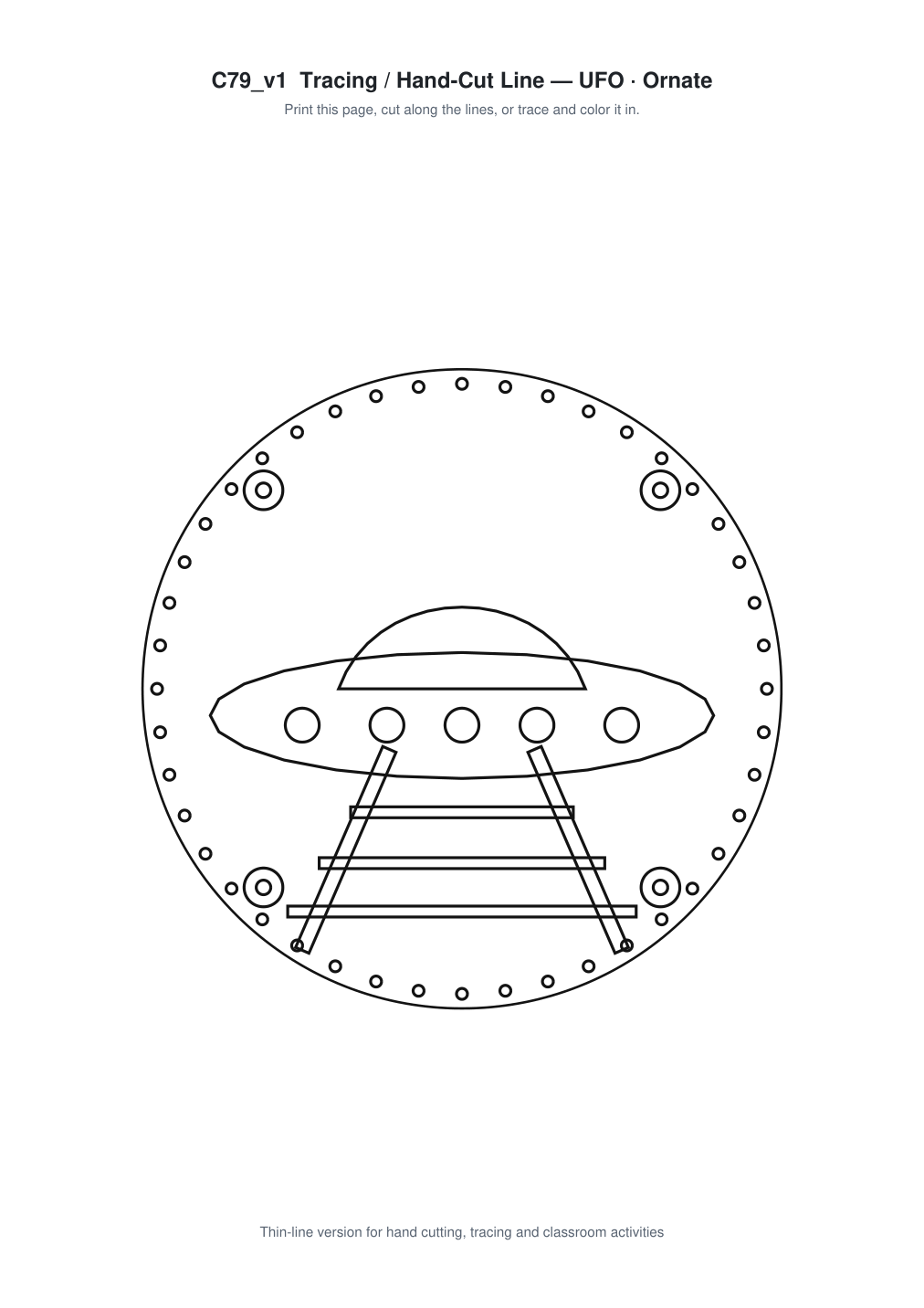
One ready-to-cut design: UFO · Ornate. The pack includes the cut-ready file plus a line-art sheet for tracing and colouring. A saucer shape with a raised dome and a beam beneath; the beam is a simple triangle that sells the hover. This ornate edition adds scrollwork and a heavier border, so it reads as a formal panel rather than a quick craft.
Three Ways to Use It
1. Cut it with a Cricut or Silhouette
The file is closed-path vector art with no overlapping lines, exactly what cutting software expects. Scale to your cardstock and cut from 80 gsm upward; a fine-point blade handles it cleanly.
2. Cut it by hand
Print at 100%, staple the sheet to a folded square of paper, and cut through both layers. Most people finish in well under half an hour.
3. Trace and colour
The line-art sheet doubles as a colouring and tracing page, a ready-made activity for classroom or family craft time.
Materials
Red cardstock or origami paper (80–160 gsm) · scissors or a craft knife · a printer · double-sided tape. Add a Cricut or Silhouette if you would rather not cut by hand.
Best For
Fun windows, alien-themed parties, children’s rooms and quirky gift cards.
FAQ
Is the dome separate? It is one path – cut the saucer outline first, then the dome. This ornate edition adds scrollwork and a heavier border, so it reads as a formal panel rather than a quick craft.
What does the beam do? It makes it look like it is lifting off – do not skip it.
How wide? 20-24 cm across for a proper saucer look.